How to install the latest LTS version of node on Ubuntu
JavaScriptFinally, it's easy to upgrade NodeJS.
Hint: When you update Node, then NPM will also be up to date, but you can check before and after with `npm -v`.
So here are the steps to update NodeJS.
First, check what version is installed:
root@server:~# node -v
v18.20.8
lang-bash
Then Google the latest Node LTS version:
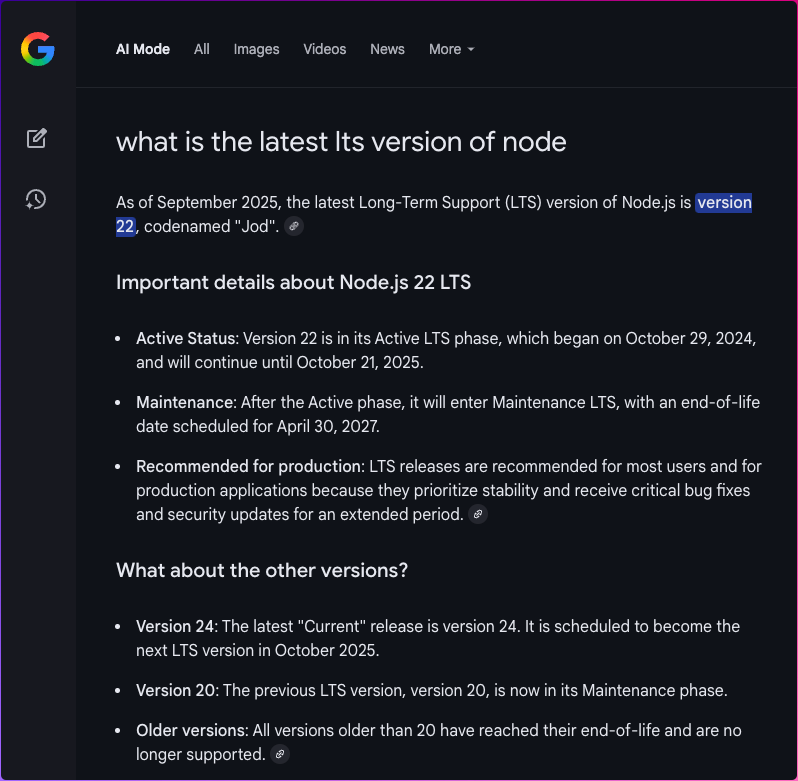 image.png 146.56 KBThen substitute the `24` below with the latest LTS version as per your Google results:
curl -fsSL https://deb.nodesource.com/setup_24.x | sudo -E bash -
lang-bash
Then:
apt install -y nodejs
lang-bash
Then check the version again:
root@magic:~# node -v
lang-bash